



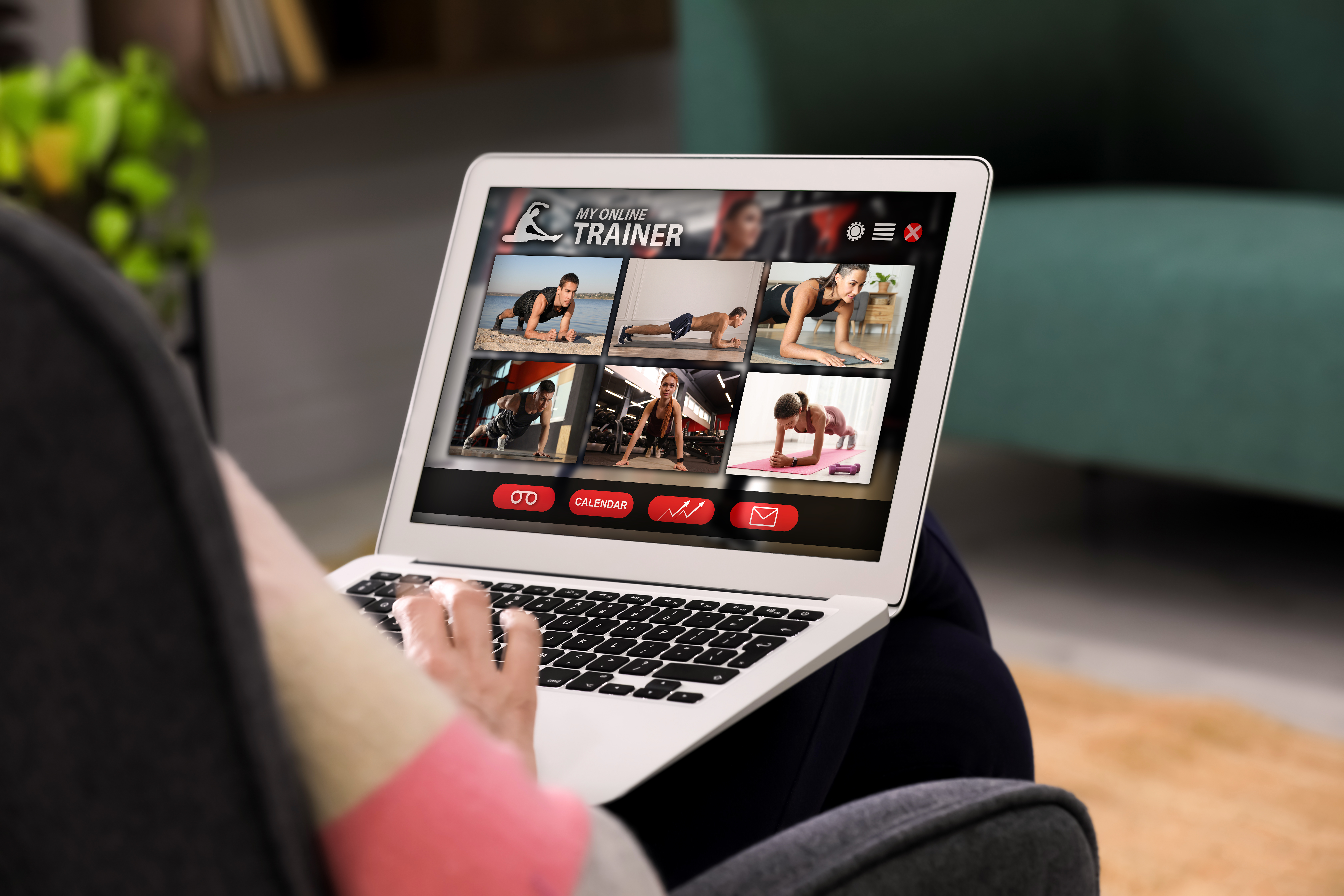
Creative Ways to Use Video on Your Website
Video can do more than sit on a page. From video hero sections to scroll-activated clips and portfolio showcases, these creative uses of video help websites feel modern, engaging, and conversion-focused.
Video has become one of the most effective tools on the web, but many sites still use it in limited or outdated ways. When used intentionally, video can guide attention, explain value faster than text, and create a stronger emotional connection with visitors.
Why video works so well on websitesVideo communicates tone, scale, and credibility almost instantly. Visitors can understand what you do and how you do it in seconds, which is especially important for service-based and visual businesses.
The key is not just adding video, but placing it where it supports the user journey instead of distracting from it.
1. Video hero sections that set the toneA video hero is often the first thing visitors see. Instead of a static image, a short looping video can immediately show your work, environment, or process.
Effective hero videos are subtle and focused. They load quickly, loop smoothly, and reinforce the headline rather than compete with it. This approach works especially well for construction, real estate, creative, and local service businesses.
2. Video inside portfolio and project pagesPortfolio pages are a natural place for video. Short clips showing finished work, behind-the-scenes moments, or before-and-after transformations add depth that images alone cannot provide.
Video helps visitors understand scale, movement, and quality, making portfolios feel more real and credible. It also keeps users on the page longer, which supports engagement and SEO signals.

Play-on-scroll video is a more advanced but highly engaging technique. Instead of pressing play, the video progresses as the user scrolls down the page.
This works well for storytelling, step-by-step explanations, or showing a process unfold. When done subtly, it feels interactive and modern without overwhelming the experience.
4. Explainer and process videosShort explainer videos can simplify complex services or workflows. These videos are often placed near service descriptions or FAQs to answer common questions before a visitor reaches out.
Process videos also build trust by showing transparency and professionalism, helping potential clients feel more confident in taking the next step.
5. Subtle background and section videosBackground videos used sparingly within sections can add motion and texture to a page. These should remain muted, looped, and lightweight so they enhance the layout rather than distract from content.
The goal is atmosphere, not attention overload.
Best practices for using video on your site- Keep videos short and purposeful
- Optimize files for fast loading
- Avoid autoplay with sound
- Use video to support, not replace, key messaging
- Test performance on mobile devices
- Video helps visitors understand your value faster
- Hero videos set mood and credibility immediately
- Portfolio videos add realism and trust
- Play-on-scroll video creates modern, interactive storytelling
- Intentional placement matters more than quantity
Video does not need to be everywhere to be effective. When placed strategically, it becomes one of the strongest tools for engagement, clarity, and conversion on a modern website.

Got a take?